

Key Features of DownTube
Powerful features designed for simplicity, speed and privacy.
High Quality Downloads
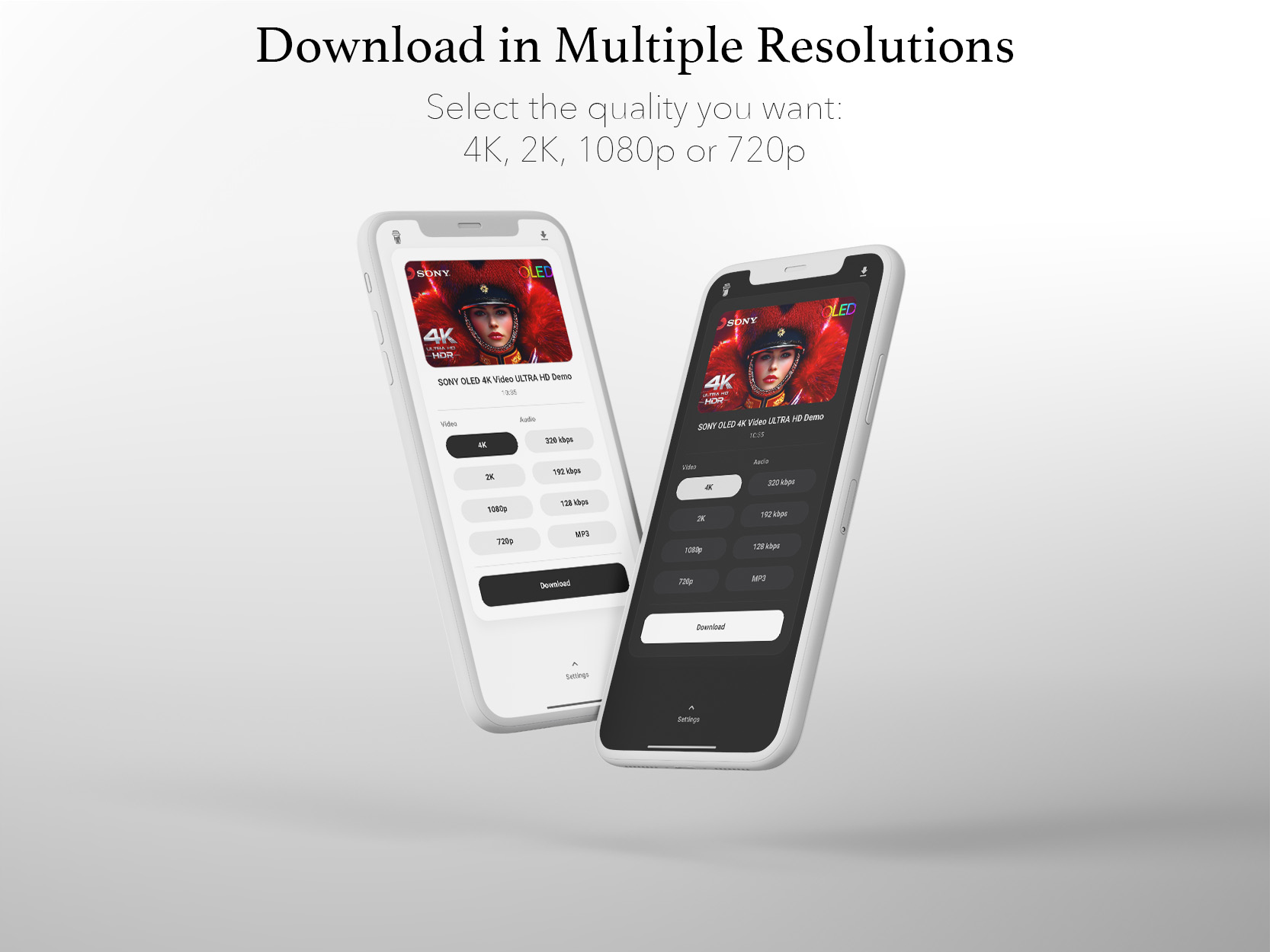
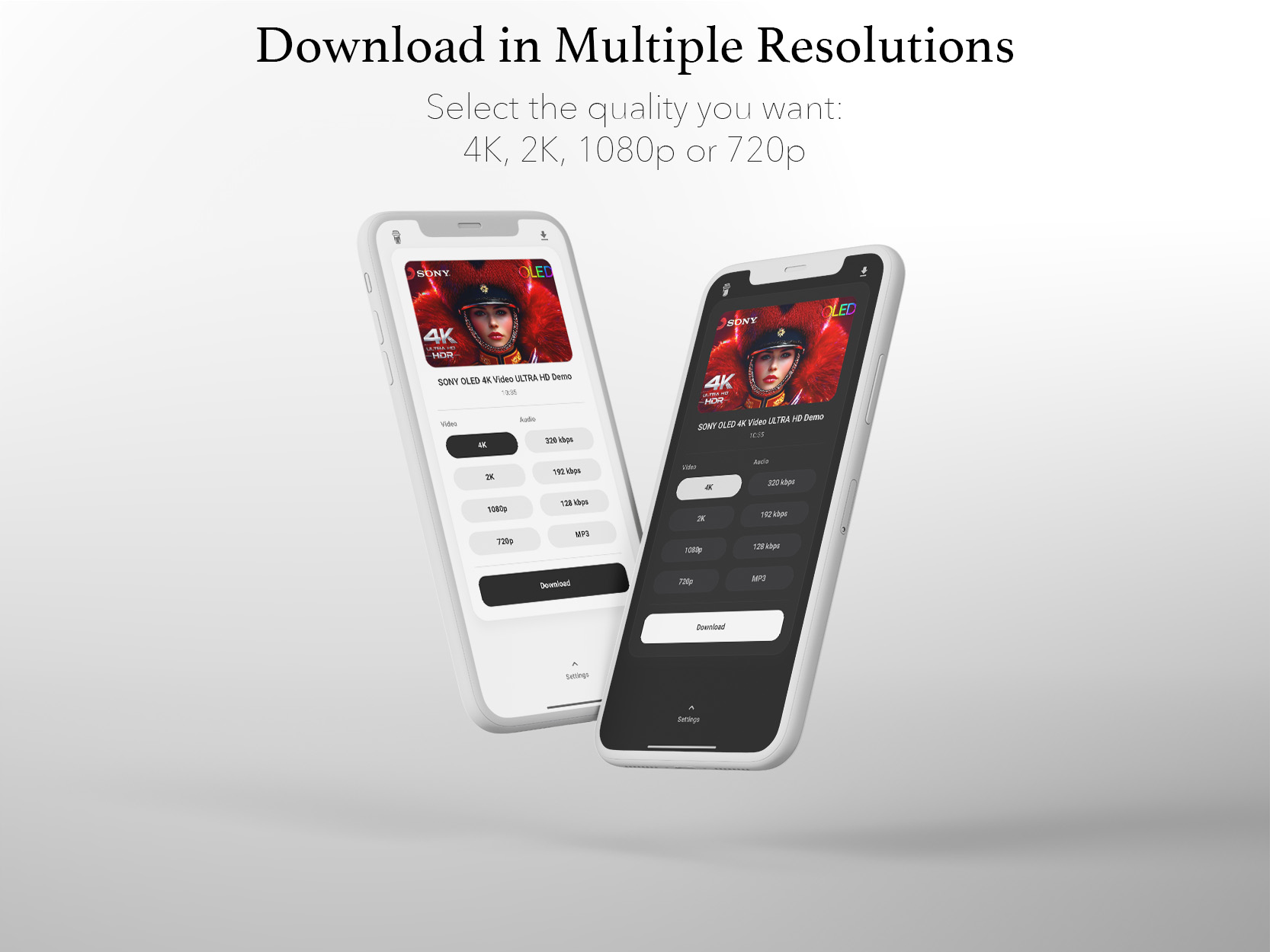
Supports multiple resolutions including 4K, 2K, 1080p and 720p, plus high-quality MP3 extraction up to 320kbps.
Background Processing
Downloads continue running in the background with progress notifications to keep you updated on status

Improved performance and stability.
Regular software updates.
Enhanced user experience.
Why choose DownTube
Streamline your life with DownTube today!

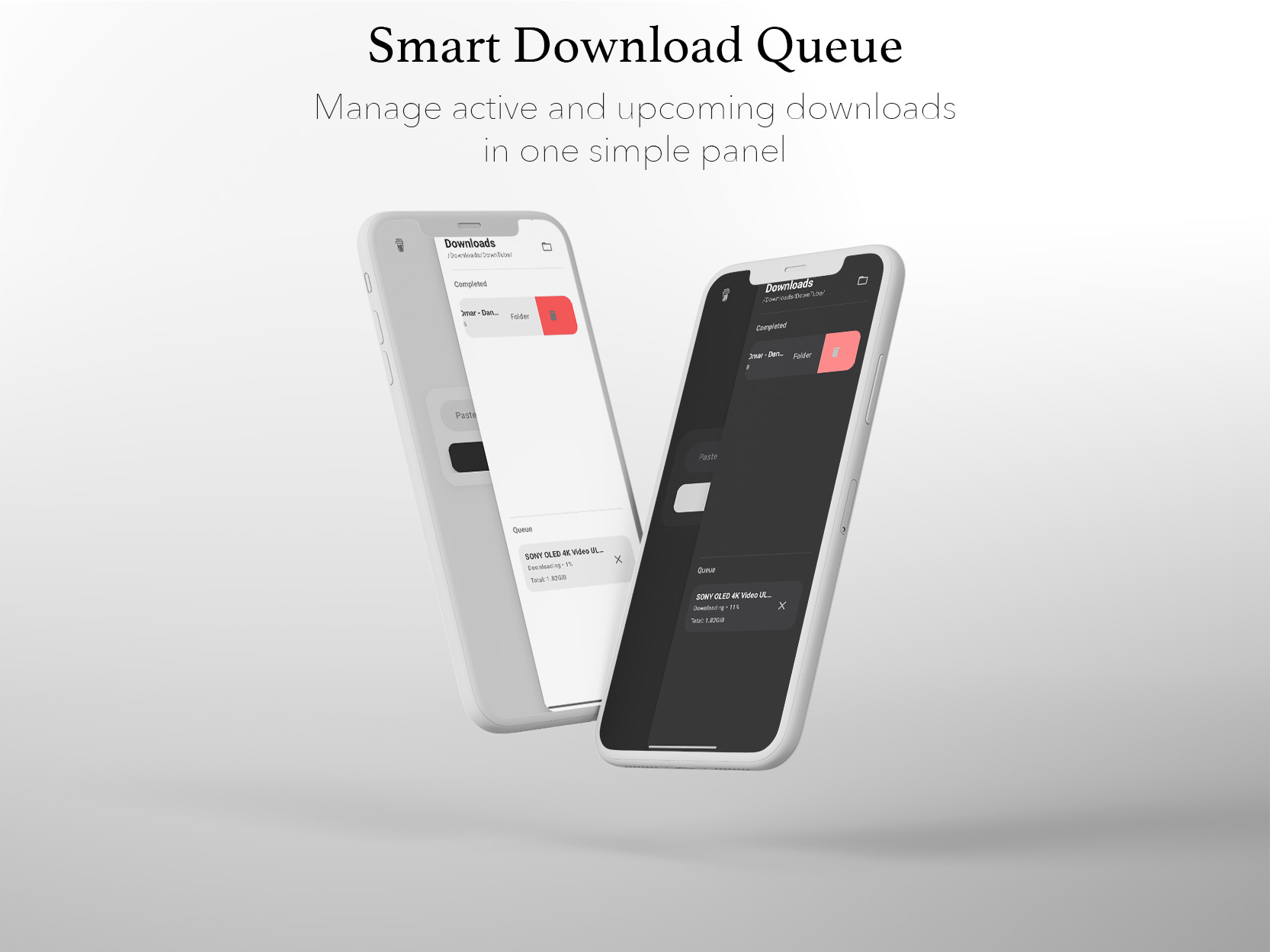
Queue Management
Smart queue system allows managing multiple downloads simultaneously in an organized way

Optimized Performance
Fast and efficient download engine optimized for speed and performance

Clean Interface
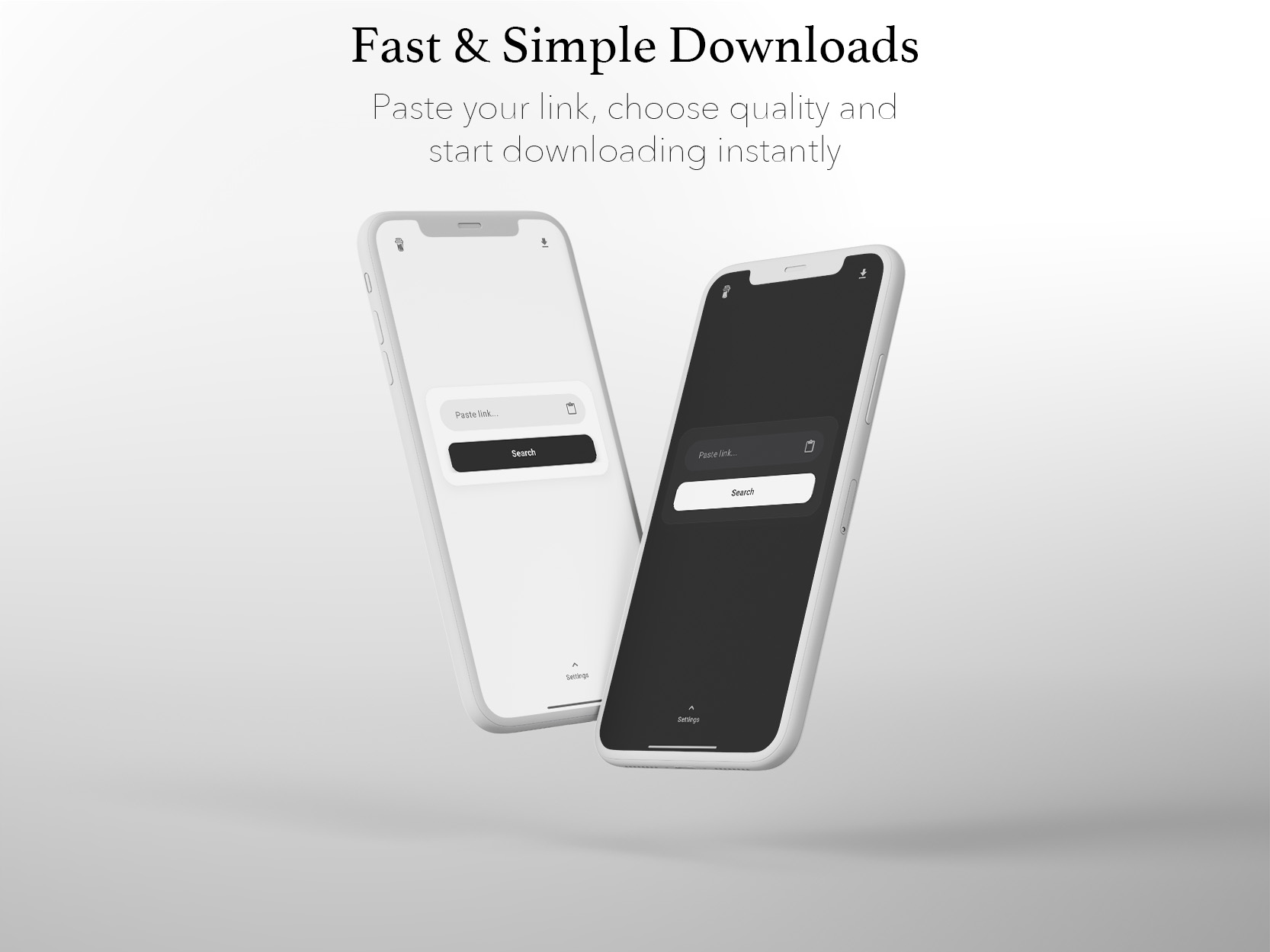
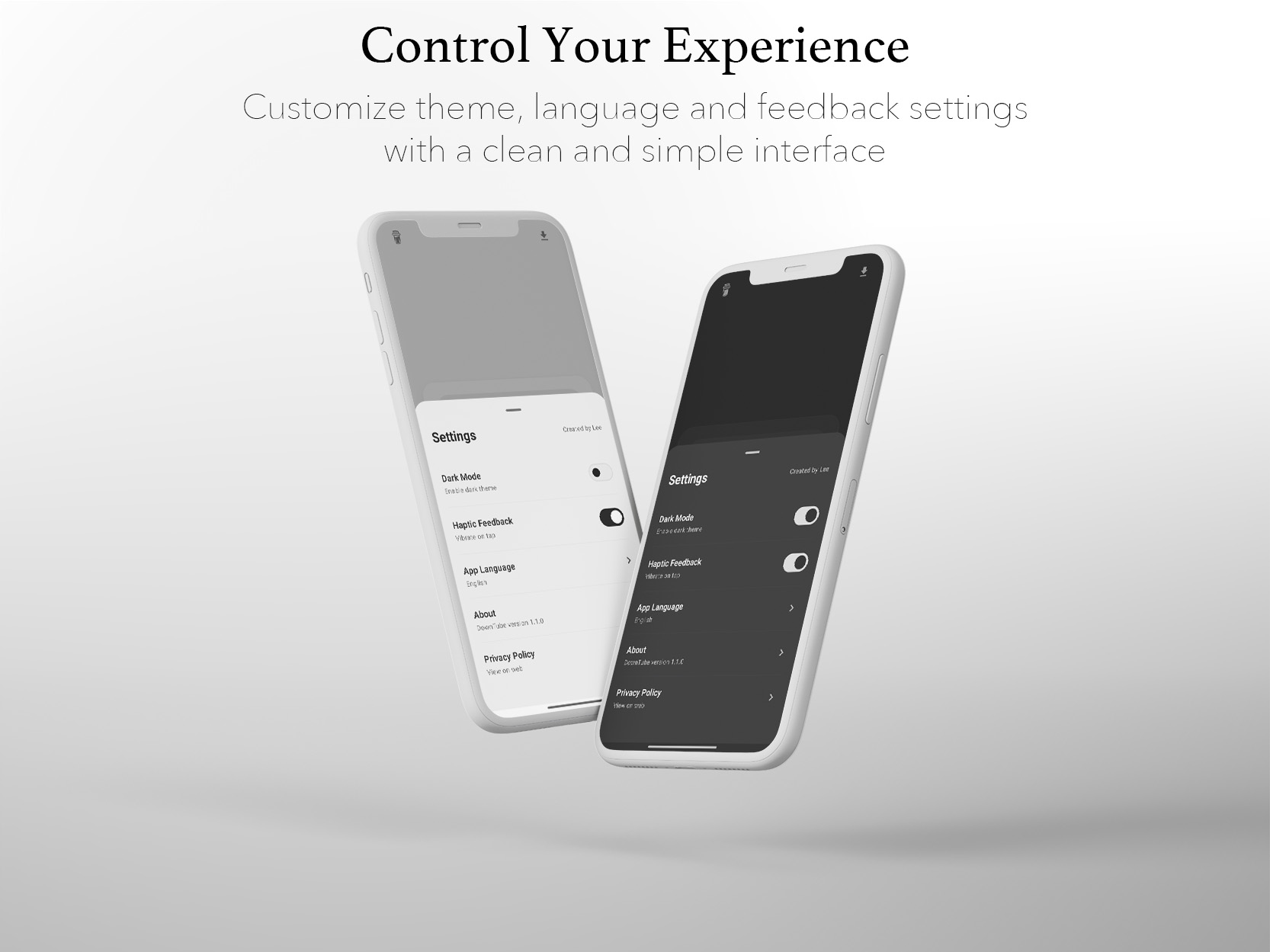
Modern, distraction-free user interface focused on simplicity and ease of use


Reviews about DownTube
Discover our users' feelings and comments.
FAQs about DownTube
Browse the most frequently asked questions that you may interested in.
What are the key features of DownTube?
DownTube offers video downloads in 4K, 2K, 1080p, or 720p quality, audio extraction in 320kbps, 192kbps, or 128kbps MP3, background downloading with progress notifications, smart queue system for multiple downloads, and a clean modern interface.
Where are downloaded files saved?
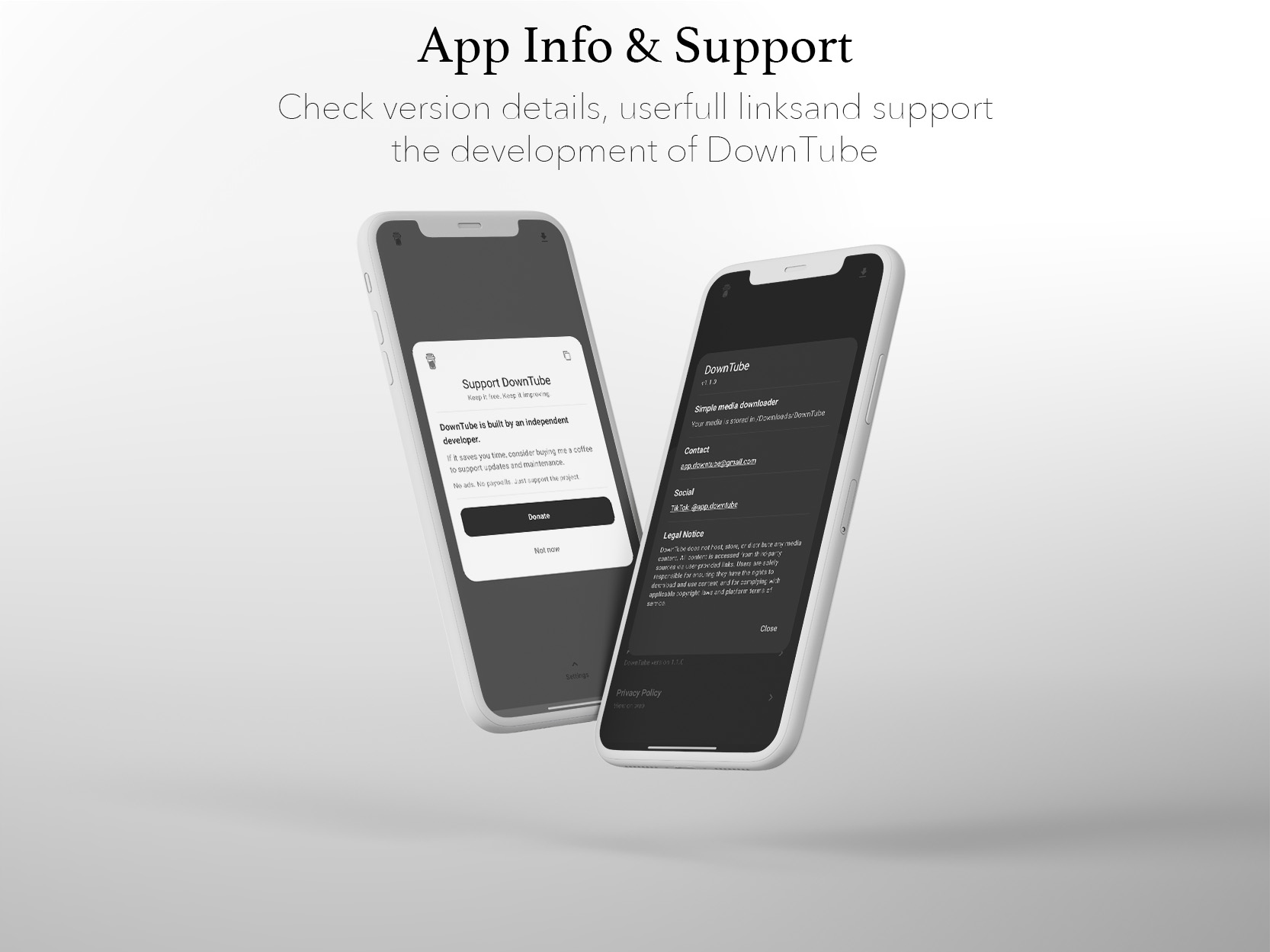
All downloads are saved to the /Downloads/DownTube/ directory on your device.
Are all platforms supported?
DownTube supports many popular video platforms.
Some services may limit access depending on region, app version, or platform restrictions.
Is DownTube available on PC?
While DownTube is primarily an Android app, it can be used on PC through Android emulators like LDPlayer, Bluestacks, or other emulation software.
What are the system requirements for DownTube?
DownTube supports Android 8.0 (Oreo) and above to ensure stable performance and compatibility.
Is DownTube safe to use?
DownTube is designed to be a clean and lightweight app. However, it's recommended to scan downloaded APK files with antivirus software for your protection.
Download Now — Free & Clean
Enjoy your everyday with DownTube.
Let's keep in touch!
Newsletter is managed by the website provider.
DownTube app collects no personal data.
By subscribing, you agree to DownTube Privacy Policy.